
ISB07 Game APK Download | Best Earning App | Android & IOS
66 MB
1.1.70
Android - iOS
30 K
Description
ISB07 Game offers a digital gaming experience for users who want to explore online entertainment through compatible Android and iOS devices. Before getting started, users should learn about the app’s interface, installation options, account access, and security practices. This guide explains how to evaluate the ISB07 Game App, check device compatibility, understand its common functions, and troubleshoot basic problems. It also highlights important points to consider before sharing personal information or using any financial features.
Getting Familiar with ISB07 Game

The ISB07 Game name represents a platform that users may encounter while exploring digital gaming services. Before installing the application, take time to understand its purpose, available options, and requirements. A little preparation can help you navigate the platform more confidently and avoid common installation mistakes.
The first step involves finding reliable information about the service. Check its official website (APKontop), published app details, privacy policy, and support options. These resources can help you determine whether the platform offers a dedicated application for Android, iOS, or both.
Do not assume that every version includes the same games or account features. Developers can change the interface, update technical requirements, or adjust access rules over time. Therefore, always check the latest information before downloading an installation file or creating an account.
For new users, a sensible approach involves exploring the available features first, learning how the menus work, and reviewing the platform’s terms. This process helps you decide whether the service meets your expectations without rushing into registration or other commitments.
Get the 788Win Game APK to access the platform and explore its distinctive entertainment options through a convenient interface.
An Overview of the ISB07 App
The ISB07 Game App provides a name to search for when investigating the platform’s available digital services. However, users should confirm the app’s authenticity and supported functions through a trustworthy source before installing it.
| App Detail | Information to Check |
|---|---|
| Platform name | ISB07 Game |
| Supported devices | Android and iOS, subject to verified compatibility |
| App access | Official application or supported website, if available |
| Installation method | Follow the provider’s verified instructions |
| Account access | Check the current registration and login options |
| Updates | Use the official update method |
| Privacy | Review the published privacy policy |
| Customer support | Confirm legitimate contact channels |
| Availability | Check regional access and applicable requirements |
This table provides a starting point for evaluating the service. It does not confirm specific bonuses, payment methods, game categories, or other features that the provider has not independently documented.
Main Features to Explore in ISB07 Game App
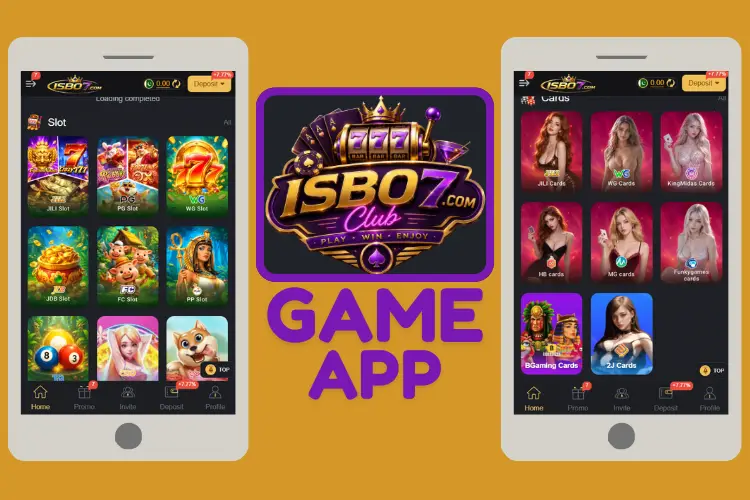
A platform’s features influence how easily users can navigate its interface and understand its services. When exploring ISB07, review each available section carefully instead of relying entirely on promotional descriptions.
A Clear and Organized Interface
A well-organized interface helps users locate important sections without unnecessary confusion. Look for clearly labeled menus, readable text, accessible account settings, and straightforward navigation.
When you open the app, spend some time reviewing the home screen. Identify the main menu, profile section, help resources, and any available game categories. If an option uses unfamiliar terminology, read its description before selecting it.
A consistent interface can also make routine actions easier. For example, users should be able to find account information without searching through unrelated pages. However, the actual quality of the ISB07 interface depends on the version you access.
Access Across Android and iOS
Android and iOS users follow different installation procedures. Android may support an official APK package, while iPhone and iPad users generally need an authorized iOS distribution method.
This distinction matters because an Android installation file does not work as an iOS application. If a website offers only an APK file, iPhone users should not attempt to install that file on their devices.
Before downloading, confirm that the provider offers a version for your operating system. If the platform supports browser access instead of a dedicated app, review the official instructions for using that option.
Account Management Options
Account management tools can help users maintain their profile information and control access to their accounts. Depending on the platform, these tools may include password settings, profile details, security options, and account recovery resources.
Review the available settings after registration. Use a unique password and avoid sharing login credentials with other people. If the platform offers additional account protection, consider enabling it.
Never give your password or one-time verification code to someone who claims to represent customer support through an unofficial channel.
Help and Support Resources
Reliable support information helps users address technical difficulties and account questions. Look for a legitimate support page, clear instructions, and an explanation of how the service handles complaints.
If you encounter a login problem or installation error, consult the official help resources before trying unfamiliar tools. Avoid individuals who promise guaranteed results, special access, or account recovery in exchange for an unofficial payment.
ISB07 Game Download & Installation on Android
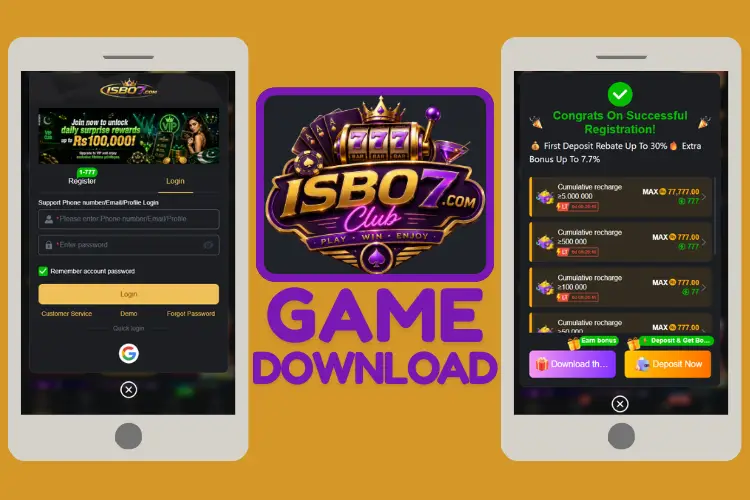
Android users may search for the ISB07 Game APK when looking for an installation package. An APK is an Android application package, but its file format alone does not establish that the package is genuine or secure.
Follow these steps if the provider offers an official Android version.
Step 1: Locate the ISB 07 Official Source
Find the website or distribution page that the provider identifies as its official source. Check the web address carefully, and watch for misspellings, unusual domains, and misleading download buttons.
Avoid downloading the package from unknown file-sharing websites or links sent by unfamiliar accounts. These sources may distribute modified applications that expose your device or personal information to risk.
Step 2: Check Compatibility
Review the published Android requirements before downloading the file. Check the minimum operating system version, available storage, and any additional requirements listed by the provider.
Keep enough free storage for installation and future updates. If your device does not meet the stated requirements, do not try to bypass compatibility warnings.
Step 3: Review the ISB07 Game APK File
Confirm the file’s source and name before opening it. If the provider offers a checksum or signature verification method, follow its instructions.
An APK file may contain unwanted software if someone modifies it. Therefore, do not treat a download link or a familiar app name as proof of authenticity.
Step 4: Complete the Setup
If you obtain a verified APK outside the Google Play Store, Android may ask you to allow installation from that particular source. Only grant the necessary permission when you trust the provider and understand the security implications.
Open the file and follow Android’s installation prompts. If your device displays a serious security warning, stop and investigate instead of dismissing it automatically.
Step 5: Open the Application
After installation, open the app and review its interface, permissions, and privacy information. Deny unnecessary permissions, especially those involving sensitive information that the app does not need for its stated purpose.
If you cannot verify an official download source for ISB07, do not install a package simply because a third-party website offers it.
ISB07 Game Download and Setup on iOS
iPhone and iPad users need a different installation method from Android users. An APK file cannot install as a native iOS application, so check whether the provider offers an authorized iOS version.
Find an Authorized iOS Version
Start with the provider’s official website and look for a link to its verified iOS app or an authorized distribution page. If the service appears in Apple’s App Store, compare the developer information and app details with the provider’s official information.
Do not trust a random configuration profile, unknown certificate, or unfamiliar installation service merely because it claims to offer quick access.
Check Device Compatibility
Review the supported iOS version and device requirements before proceeding. Make sure your iPhone or iPad has enough free storage and a stable internet connection.
Keep your device updated whenever practical. Current software updates can improve security, compatibility, and general performance.
Follow the Published Instructions
Use only the installation method that the provider and your device officially support. Follow the displayed prompts, review requested permissions, and read the available privacy information before opening an account.
If the provider does not offer a verifiable iOS application, do not assume that an Android APK download page supports iPhones. Contact the official support team to clarify the available options.
ISB07 Game Login & Account Access
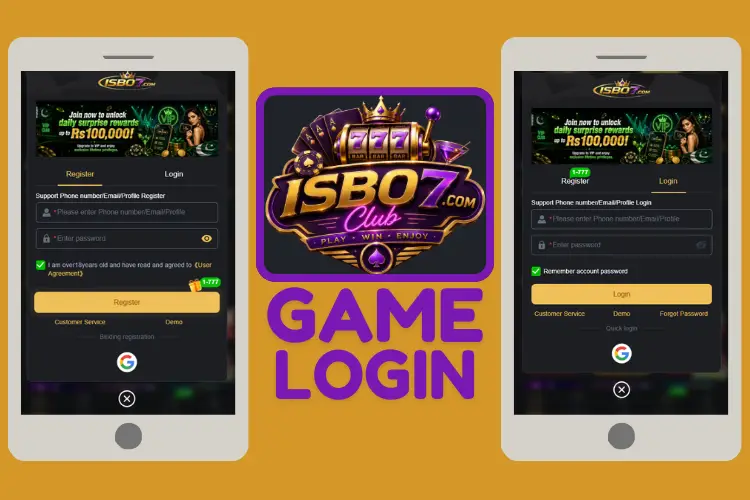
The ISB07 Game Login process depends on the account system that the platform currently provides. If registration is available, review the service’s eligibility requirements and terms before submitting personal details.
Creating an Account
If the official platform offers registration, follow its published instructions. Provide only the information it legitimately requires, and double-check your details before submitting the form.
Read the privacy policy to understand how the service handles account information. Never upload identity documents through an unofficial website or send sensitive information to a stranger who claims to help with registration.
Logging In Securely
Use the correct login details and keep your password private. Avoid saving credentials on public or shared devices.
If the platform offers multi-factor authentication, consider enabling it. This additional security step can make unauthorized access more difficult.
Recovering Account Access
If you forget your ISB07 Game password, use the official recovery option when available. Follow the instructions carefully and confirm that recovery messages come from a legitimate source.
Never share verification codes with another person. If you notice suspicious activity, secure your account and contact verified support.
Wallet System of the ISB07 Game App
The wallet system is an important feature to understand before using the ISB07 Game App. It may help users manage their available balance, review transactions, and access deposit or withdrawal options if the platform provides these services. Before using any wallet function, check the app’s official terms to confirm the available features, supported payment methods, and transaction rules.
ISB07 Game App Deposit Process
If the official ISB07 platform supports deposits, users should open the wallet section and review the available payment options. Select a supported method, enter the required amount, and carefully check the transaction details before confirming the payment.
Always verify the recipient information and any applicable fees. Follow the platform’s official instructions, and avoid sending money to personal accounts or unofficial agents. After completing a transaction, keep the receipt or transaction reference so you can review its status if a delay occurs.
ISB07 App Withdrawal Process
If withdrawals are available, users should review the platform’s withdrawal rules before submitting a request. These rules may include minimum and maximum limits, account verification, processing times, and transaction fees. Select Easy Paisa, Jazz Cash, or Bank Transfer for payments.
Open the wallet section, locate the withdrawal option, and follow the instructions provided by the verified platform. Check the amount and payment details before submitting your request. Keep the transaction reference and review the status through the official account interface.
A withdrawal may take time to process, depending on the platform’s procedures and payment provider. Never pay an unofficial person who promises to release funds, and do not share passwords, PINs, or verification codes.
Important Wallet Safety Tips
- Check the official deposit and withdrawal terms before making transactions.
- Confirm supported payment methods and currencies directly with the platform.
- Review fees, transaction limits, and verification requirements.
- Keep receipts and transaction references for future enquiries.
- Contact verified support if a payment remains pending or an amount appears incorrect.
- Never assume that deposits guarantee winnings or withdrawals.
Note: Confirm that the ISB07 Game App genuinely offers wallet, deposit, and withdrawal services before relying on these steps. Available features and payment conditions can vary by platform version and region.
Navigation Tips for a Better ISB 07 APK User Experience
A few practical habits can help users understand the app more efficiently.
- Explore the menus: Learn where the home screen, profile, settings, and support options appear.
- Read instructions: Check the rules and descriptions before using an unfamiliar feature.
- Review notifications: Confirm important announcements through an official source.
- Keep the app updated: Use the provider’s verified update method.
- Check your connection: A reliable internet connection can reduce loading interruptions.
- Protect your account: Use a unique password and secure your verification details.
- Avoid suspicious links: Do not open files or web pages from unknown senders.
These habits can improve your experience while helping you recognize questionable requests or unexpected behavior.
Common ISB07 Game App Problems and Practical Solutions
Users may experience technical issues when downloading, installing, or accessing an application. The following table outlines sensible first steps.
| Problem | Suggested Action |
|---|---|
| APK installation fails | Check the Android version, storage, and file authenticity |
| iOS version cannot be found | Check the provider’s official website and authorized distribution options |
| App closes unexpectedly | Restart the device and check for verified updates |
| Login details do not work | Check your credentials and use the official recovery process |
| Pages load slowly | Check the internet connection and service status |
| App requests unusual permissions | Stop and assess whether the permissions are necessary |
| Update fails | Confirm compatibility and follow official update instructions |
| Support contact looks suspicious | Avoid sharing information and verify the contact details |
Do not solve installation issues by turning off all device protections or downloading an unknown replacement package. If the problem continues, seek help through a verified support channel.
Pros of ISB07 Game
The following table outlines potential advantages to consider if the platform provides the relevant features. These points represent general evaluation criteria rather than confirmed benefits of every ISB07 version.
| Potential Pros | Explanation |
|---|---|
| Android and iOS access | Official versions for both operating systems can give compatible users more choice |
| Convenient navigation | A clear interface can make common functions easier to locate |
| Account controls | Available security settings can help users manage access |
| Flexible access options | An official app or supported website may provide different ways to access the service |
| Support resources | Reliable help channels can assist with technical and account problems |
| Clear instructions | Useful guides can help new users understand the available functions |
The real value of these advantages depends on the platform’s actual features, reliability, and support quality.
Cons of ISB07 Game
Every app deserves a careful review before installation. Consider these potential disadvantages when evaluating the service.
| Potential Cons | Explanation |
|---|---|
| Unverified download sources | Unofficial packages may contain altered or harmful software |
| Different installation methods | Android and iOS require different compatible distribution methods |
| Device limitations | Older devices may not meet the app’s requirements |
| Privacy concerns | Unclear data practices or unnecessary permissions can create risks |
| Internet dependence | Online functions may struggle with an unstable connection |
| Uncertain feature details | Third-party descriptions may not accurately reflect the current platform |
| Financial risks | Any real-money gaming or wagering may result in losses |
| Regional restrictions | Availability and legal requirements can differ by location |
Review these limitations alongside the potential benefits. Do not install the application until you can verify its source and understand its terms.
Final Thoughts
ISB07 Game offers a name to investigate when exploring digital gaming options for Android and iOS devices. Before proceeding, confirm the platform’s authenticity, check device compatibility, and use only an authorized installation method. Android users should verify any APK file, while iPhone and iPad users should look for an official iOS version or supported alternative.
Take time to review the interface, account requirements, privacy policy, and support options. If the service includes financial features, read the terms and understand the risks before making any commitment. These practical steps can help you evaluate the platform carefully and make a more informed decision about whether it suits your needs.
Frequently Asked Questions
Is ISB07 available for Android and iOS?
The requested platforms are Android and iOS, but users should confirm that the provider currently offers verified versions for both systems. An Android APK does not work as an iOS app.
How can I download the ISB07 APK?
If an official Android package exists, obtain it from the provider’s verified source. Check compatibility and file authenticity before installation.
How can iPhone users access the ISB 07 App?
Check the provider’s official website for an authorized iOS version or supported access method. Avoid unknown profiles and unofficial installation services.
How do I use the ISB07 Login?
Use the login process that the verified platform provides. Keep your credentials private and use its official recovery procedure if you lose access.
What should I do if ISB07 does not install?
Check device compatibility, available storage, and the authenticity of the installation source. If the problem continues, consult the provider’s verified support resources.
Is the ISB07 Game App safe?
You cannot confirm an app’s safety from its name alone. Review its source, permissions, privacy policy, security practices, and terms before using it.
Can I use ISB07 without creating an account?
That depends on the platform’s current access rules. Check its official instructions to determine whether it offers guest access or requires registration.